
As our experience with digital humanities is coming to an end, this final blog will show how the combination of two different worlds: humanities and technology helped us throughout our journey.
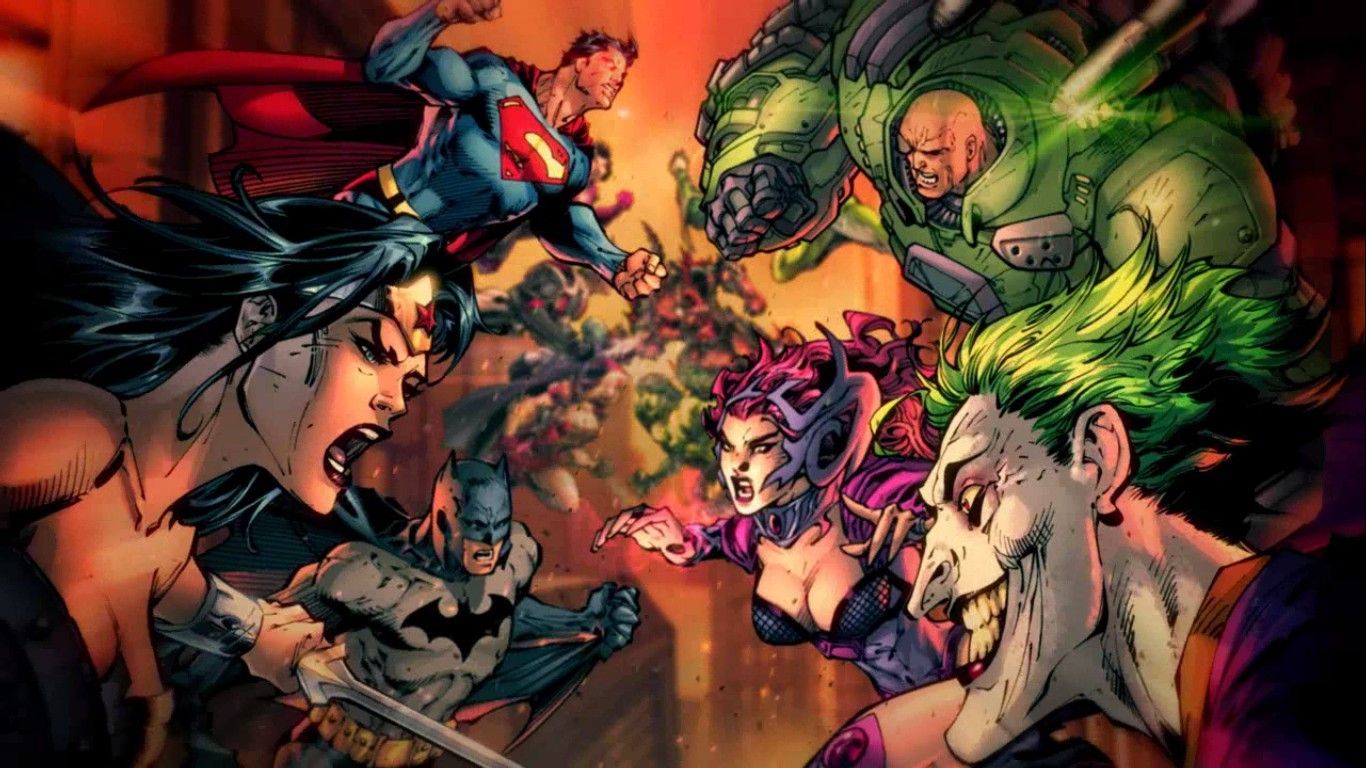
To start with, the class was divided into groups where each group chose an author or a topic to base the whole research on. The three of us barely had any topic in mind. However, one of the topics we stumbled upon and found very interesting was Heroes vs. Monsters! Therefore, we decided to base our project on this topic, especially that there’s been a recent focus on this topic demonstrated in movies and documentaries. As our proposal suggested, our main goal was to create a timeline in order to showcase and visualize the evolution of the villains’ behavior throughout time and how it’s justified in today’s world. We started by gathering information about the most famous villains in the past era and in today’s world and compare how their lives were portrayed back then and now, and how society shaped them into becoming the villains they are now. For instance, we highlighted major events in Batman and those in The Joker where the same characters are portrayed in different ways to deliver differing messages.

Regarding working together as a group, we were very efficient, organized, and motivated. We distributed the tasks equally amongst us to be more coherent; the three of us had a say in every task assigned which positively affected the project’s outcome. Let us introduce ourselves! To start with, my name is Ghida Allam, a third-year Accounting Student at AUB. My teammates are Alexia El Alam and Joseph Abboud. Both Alexia and I are business students. Joseph is an Economics student. We all have similar interests in terms of books and movies, which make our work very interesting and exciting.
The title we chose for our project was “Heroes vs. Monsters: finding a Hero in every Villain”. This title projected the main goal behind our project. Initially, the theme was very broad (i.e “Heroes vs Monsters”) and so throughout our analysis, we realized that we were leaning more towards justifying the evolution in the perception of villains. We wanted to show a critical contrast in the way people perceived Heroes and Villains in the past and in more contemporary time periods. We shed light on the difference between how the villain was perceived as the “bad guy” and the hero was perceived as the “good guy” in older literature texts, while in today’s world the villain is becoming the hero himself and whose actions are justified by society’s cruel actions. Based on the overall analysis we prepared throughout the semester using DHL tools, we managed to achieve concrete results that showed this revolution of villains throughout time.
We were also capable of reflecting on our own opinion regarding the topic. It was much more interesting for us to relate to the topic because all of us are big fans of hero and villains books/movies. Therefore, each one of us gave an example of his favorite hero/villain and had the opportunity to analyze his character using DHL tools.
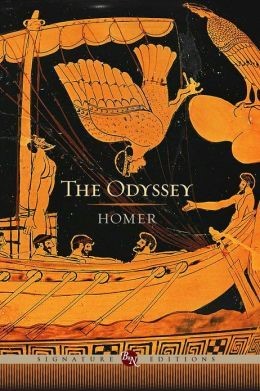
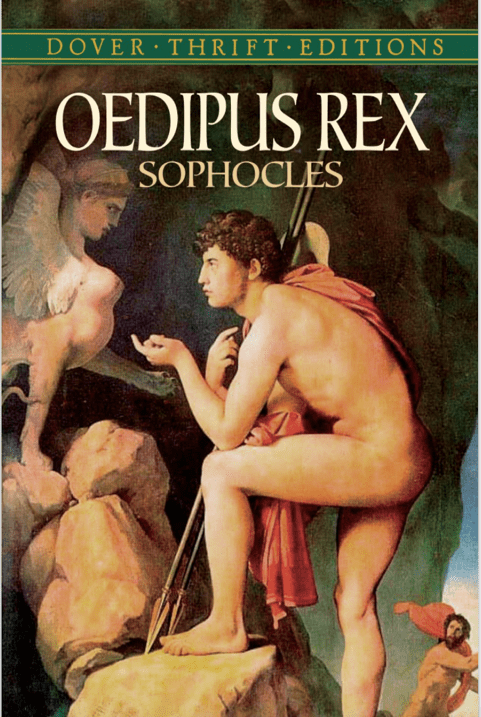
During this semester, our knowledge grew regarding the aspect of how important the villain is for the Hero to exist. With all our blogs related to the theme “Heroes vs Monsters”, our final project (TimelineJS) tackled the evolution of how the villain was portrayed through time, from the Greek mythology to the present. Regardless of how monstrous and abnormally strong the villain/monster is described in Greek literature (The Odyssey by Homer for example), we learned what their real value was then. The role played by the villains in Greek myths was secondary and inferior to the “Hero”, the villain is present to glorify the Hero’s achievements and victory over the enemy.
Moreover, when it came to the mid 1900’s we knew the importance of propaganda during the war times and the use of articles, books, art and cinema to win the ideological war. But what we did not know was the depth of how comics were used. Especially when it comes to the usage of our theme “Heroes vs Monsters”. The DC comic world influenced millions of Americans and others during the war. Comics were first used to describe the enemy (The Nazis or the USSR), and with the success of it, the government started using comic books to encourage people to join the army, buy war bonds, strengthen the morale of troops as the number one customer of comics was the army itself. After all, from books to comics, literature played a huge role in the outcome of the war by playing with the people’s mind and ideology, directing them to the American way.
Add more things about 21st century books/texts and their relation to the theme
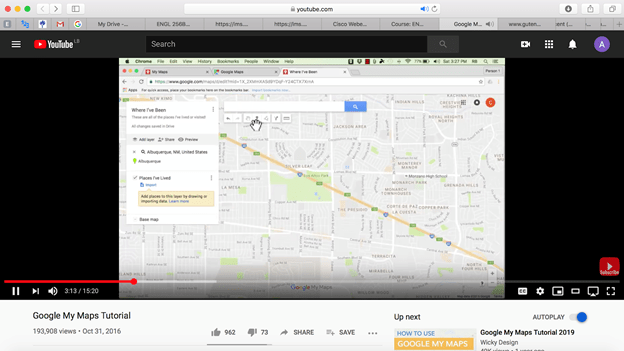
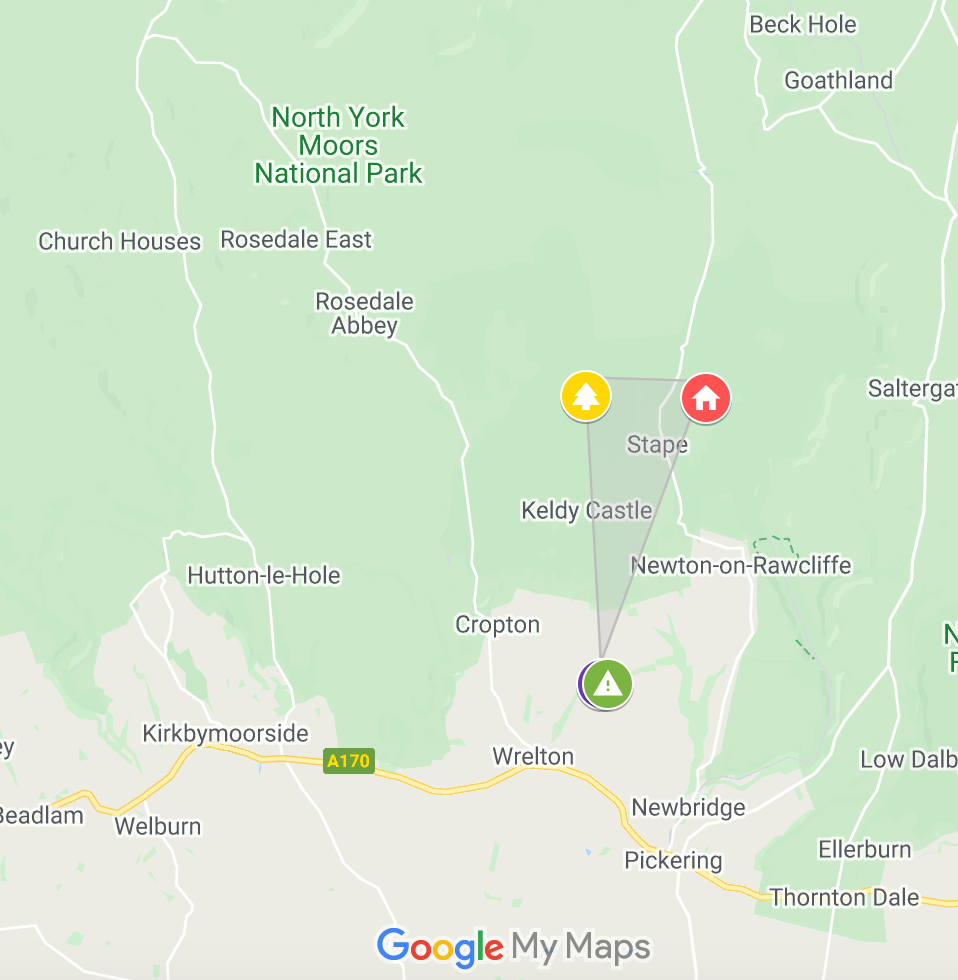
Google my maps was the perfect tool to illustrate the use of comic books during the war time. This digital tool helped us map with precision the targets of comics in propaganda. In the series of Captain America, we mapped the most important use of the comic for propaganda, located in the U.S. ; Encouraging people to join the army, boost the troops morale, boost the army economy and direct people onto the right ideology. Secondly, we were able to showcase the other use of the comic, by showing who is the real enemy. Located in Germany and Russia (Nazi Germany and the USSR), we mapped the different villains that was used in the comics as the arch enemy of Captain America. Some direct, like the powerful image of captain America punching Hitler. Or indirect, like characters disguised as Russian spies or as Hitler’s successor ready to annihilate the United States and the world. Funny how the villain’s nationality matched with the arch enemy of the U.S during WWII and the Cold War.

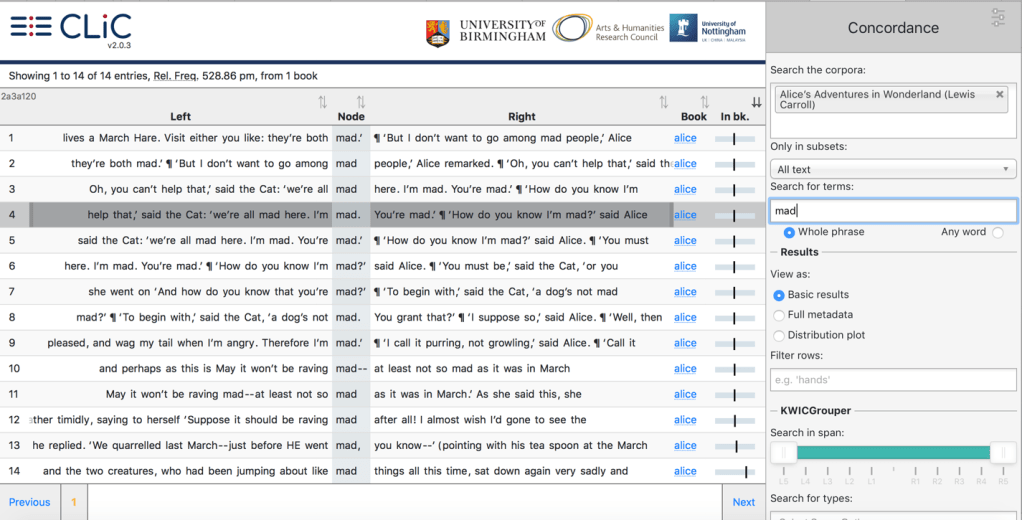
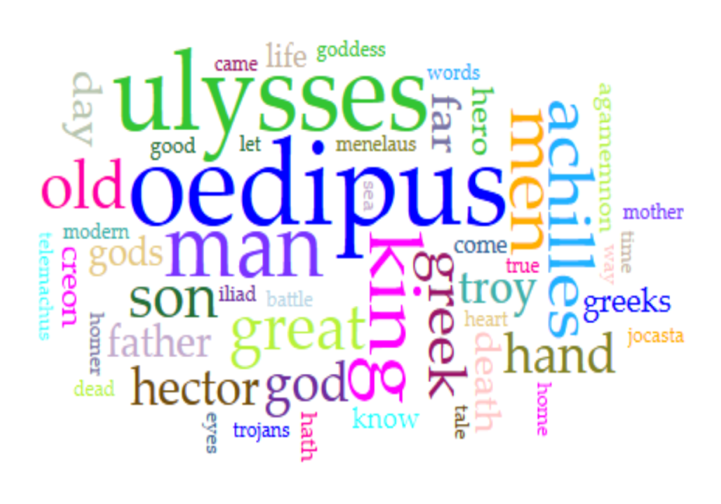
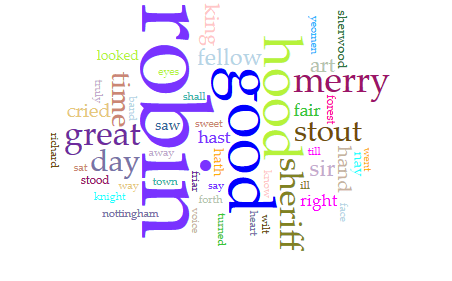
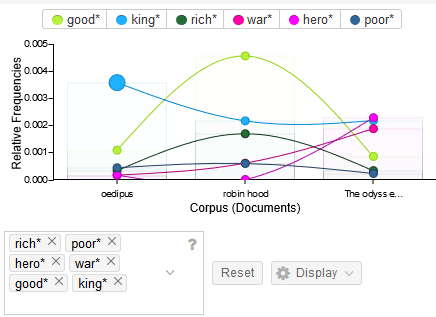
We associated the corpus and the close reading we established using Voyant Tools to show the most repeated words that serve our major purpose in relevance to our research questions and to our analysis as a whole which is justifying the villains’ actions.

Finally, TimelineJS was the perfect tool for our project as we wanted to show the evolution of the Villain compared to the Hero through time. We used Timeline JS to consolidate our analyzed information and display it in a more professional yet interactive way, easing the communication between us and the class. To conclude, all the tools we used throughout our journey were extremely helpful in proving the validity of our research questions and in achieving our set research goal.

We were successful in achieving the goals we set for our project. This project allowed us to confirm that heroes have effectively changed a lot throughout time; while in the past the villain was considered the “bad guy”, in today’s world the villain’s actions are becoming more and more justified making him a “good person but shaped by society’s cruel treatment”. This revolution illustrated a major difference in how people perceive and differentiate between the good and the bad.
You can check our timeline on the following link so you can visualize our DH project which we are very proud of: https://cdn.knightlab.com/libs/timeline3/latest/embed/index.html?source=1FzumdDEjK7COlI3h4BnVefIOngYQKoB7mcq-h-rHmoM&font=Default&lang=en&initial_zoom=2&height=650
This blog was written by Alexia Al Alam, Ghida Allam, and Joseph Abboud.




 Joseph's Blog